

Create Group
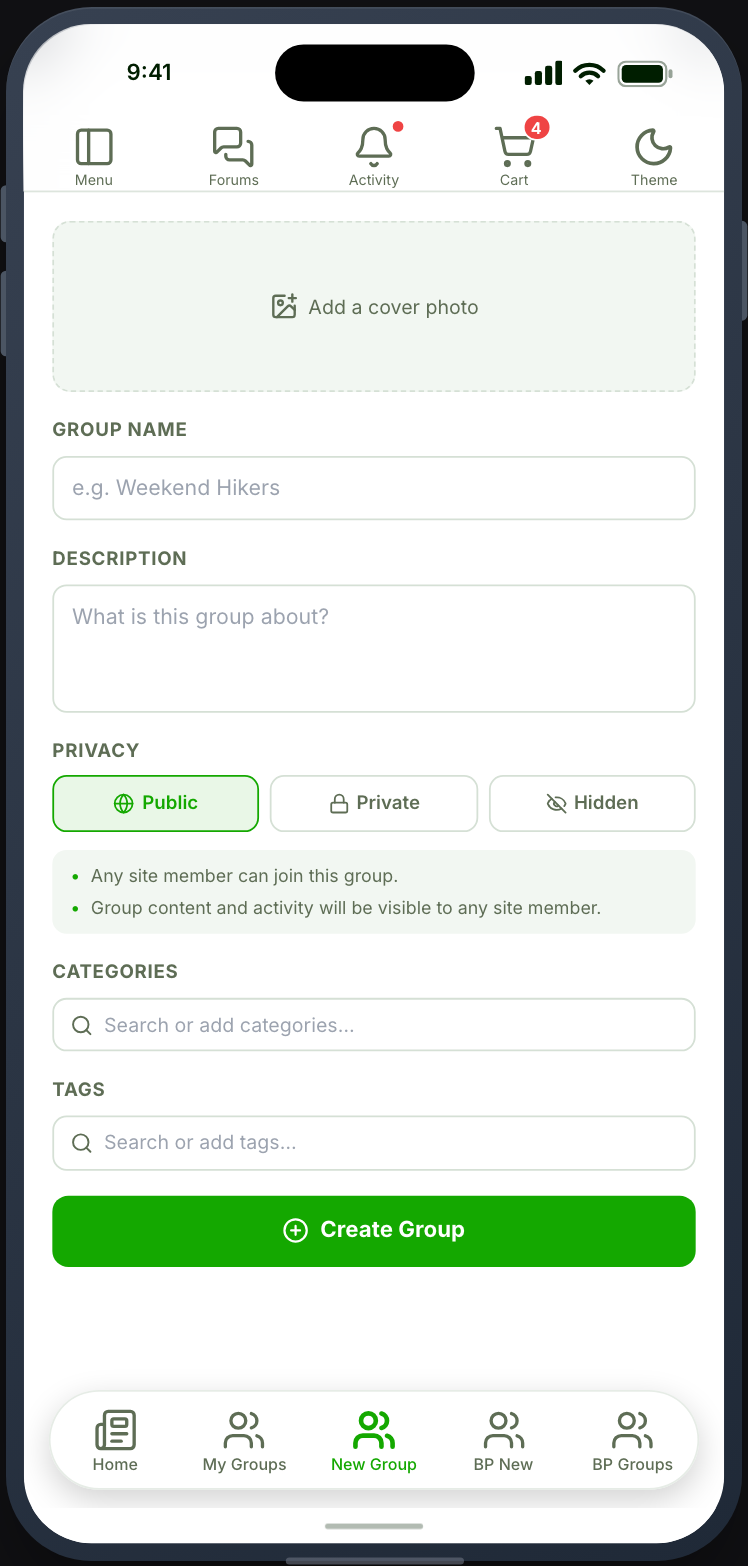
A form for creating a new group.
Before you start
Section titled “Before you start”| Plugin | Ultimate Member - Groups |
| Endpoint group | Groups |
| Plan | Every plan |
Add it to your app
Section titled “Add it to your app”Place it beside Groups and My Groups, under a Parent Menu in the side drawer.
Settings
Section titled “Settings”| Setting | What it does | Default |
|---|---|---|
| Avatar style | How the group avatar is cropped | Inherits User Lists |
| Title, Description | Shown at the top | Empty |
| Restrictions | Which roles can create groups | Everyone |
Restrict this one
Section titled “Restrict this one”Most communities do not want every member creating groups. A restriction here is usually right, and it is clearer than letting someone fill in a form that is then refused by your site’s own rules.
If your site already limits group creation by role, set the same restriction on this tab so the two agree.
What your members see
Section titled “What your members see”A form for the group’s name, description, avatar and privacy. On submitting, the group is created and they land in it.
Whether they can choose a privacy level, and which levels exist, comes from your Ultimate Member Groups configuration.
When it does not work
Section titled “When it does not work”| Symptom | Cause | Fix |
|---|---|---|
| Creating is refused | The Groups group is off | Enable it |
| Refused despite a filled form | Your site restricts group creation by role | Check it in Ultimate Member, and match the tab restriction |
| The avatar does not upload | The Uploaders group is off | Enable it |
| No privacy options | Your configuration offers none | Set them in Ultimate Member |
| Created, but not in My Groups | The list has not refreshed | Pull to refresh |