

My Notes
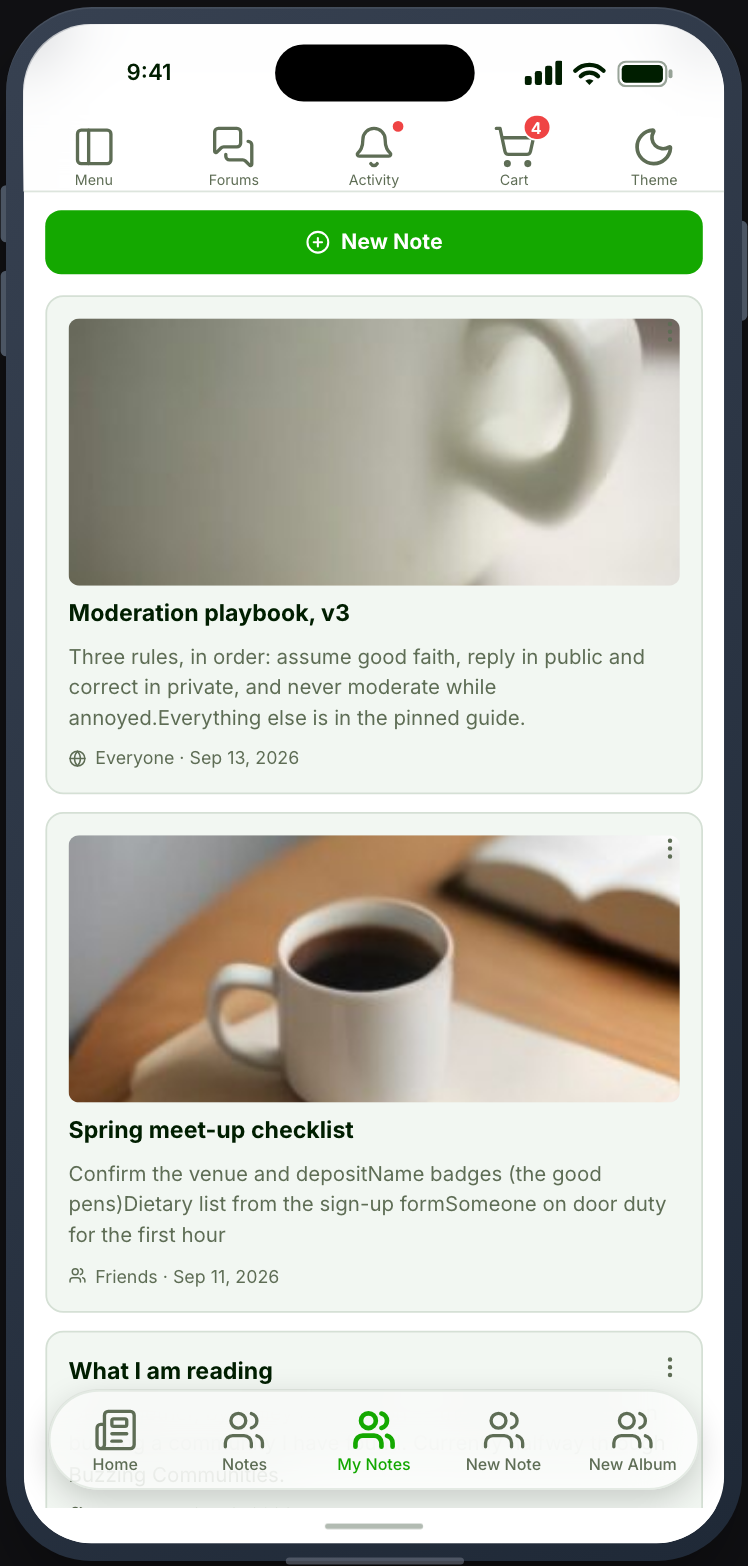
The same list as Notes, restricted to the member’s own and with editing controls.
Before you start
Section titled “Before you start”| Plugin | Ultimate Member - User Notes |
| Endpoint group | Notes |
| Plan | Every plan |
Add it to your app
Section titled “Add it to your app”Place it beside Create Note, usually in the side drawer.
Settings
Section titled “Settings”| Setting | What it does | Default |
|---|---|---|
| Title, Description | Shown at the top | Empty |
| Restrictions | Which roles see the tab | Everyone |
What your members see
Section titled “What your members see”Their own notes, each with edit and delete, and a New Note button that opens the Create Note screen.
Because the New Note button is here, this feature is enough on its own — placing Create Note as a separate tab is optional.
It is empty before sign-in
Section titled “It is empty before sign-in”A personal screen. Restrict the tab to a signed-in role if you would rather it were hidden than empty.
Privacy when editing
Section titled “Privacy when editing”A note’s privacy is set on the note. Editing does not change it, so a note shared with the community stays shared unless the member changes that deliberately.
When it does not work
Section titled “When it does not work”| Symptom | Cause | Fix |
|---|---|---|
| Empty for a signed-in member | They have written none | Expected |
| Empty for everyone | The Notes group is off | Enable it |
| The card is greyed out | UM - User Notes is inactive | Activate it |
| Delete does nothing | They do not own the note | Expected |
| Empty before sign-in | It is a personal screen | Restrict the tab |