

Forgot Password
Lets a member start a password reset from inside the app.
Before you start
Section titled “Before you start”| Plugin | None — WordPress |
| Endpoint groups | Authentication or Default Authentication |
| Plan | Every plan |
Add it to your app
Section titled “Add it to your app”Place it in the side drawer, or leave it reachable from your sign-in screen. It does not need a bottom-nav slot — members look for it once, at the moment they are stuck.
Settings
Section titled “Settings”| Setting | What it does | Default |
|---|---|---|
| Form | Which Ultimate Member form to render, on a site that runs it | Your default password-reset form |
| Title, Description | Shown at the top | Empty |
What your members see
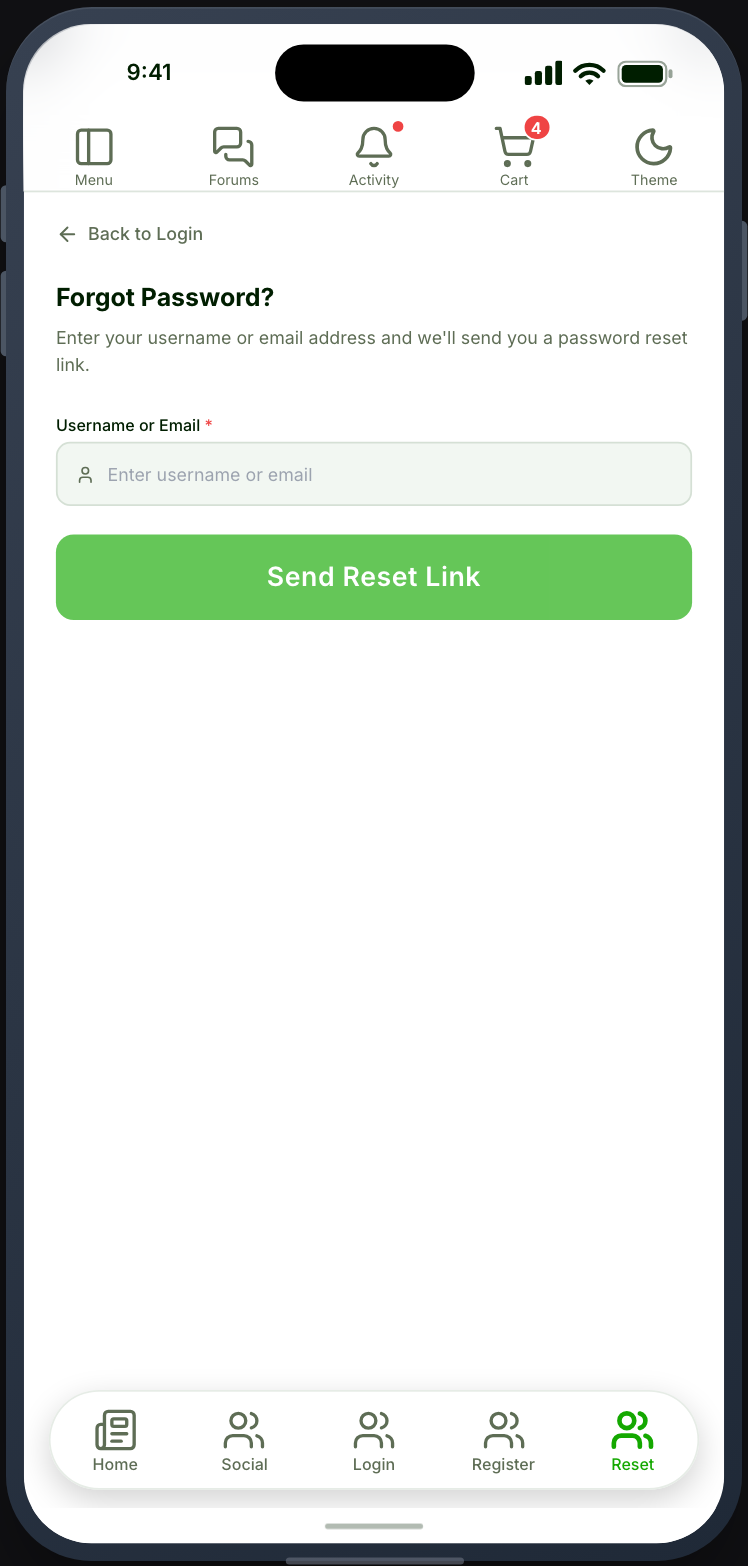
Section titled “What your members see”A field for their email address, and confirmation that a reset email is on its way.
The reset itself happens on your website. The email contains a link, and the link opens your site in a browser. That is deliberate — a reset link that worked inside the app would be a reset link that works for anyone holding the phone.
After resetting, the member returns to the app and signs in with the new password.
Email delivery is your site’s job
Section titled “Email delivery is your site’s job”Reset emails are sent by WordPress, using whatever mail configuration your site has. If they do not arrive, they are not arriving from your website either, and that is where to look.
Sites without a proper mail service are the usual cause — WordPress’s default
mail() is widely filtered as spam.
When it does not work
Section titled “When it does not work”| Symptom | Cause | Fix |
|---|---|---|
| The screen has no fields | The form has not opted into the API | Tick Show this form to REST API |
| Submitting is refused | The Authentication group is off | Enable it |
| No email arrives | Your site’s mail configuration | Test a reset from the website; fix delivery there |
| The link opens a browser | Intended, so the reset is not tied to the device | Expected |
| The new password is refused | The reset did not complete | Have them reset again from the website |