

Login
Signs members in using the fields your Ultimate Member login form defines.
If your site does not run Ultimate Member, or you want a plain sign-in, use Default Login instead.
Before you start
Section titled “Before you start”| Plugin | Ultimate Member |
| Endpoint groups | Authentication, Forms |
| Plan | Every plan |
Your login form must opt into the API — tick Show this form to REST API on it. Without that the screen has no fields to render.
Add it to your app
Section titled “Add it to your app”- Drag Login onto a navigation bar, or into the side drawer.
- Open its settings and choose the login form.
- Set after login to the screen members should land on.
Settings
Section titled “Settings”| Setting | What it does | Default |
|---|---|---|
| Login form | Which Ultimate Member form to render | Your default login form |
| After login | Where members land once signed in | Stay where they are |
| Title, Description | Shown at the top | Empty |
Set after login. Leaving it unset drops members back where they were, which after a deliberate sign-in reads as nothing having happened.
Send incomplete profiles somewhere else
Section titled “Send incomplete profiles somewhere else”With Ultimate Member - Profile Completeness active, the Login settings panel has a switch for members whose profile is not finished yet. Straight after they sign in, the app reads how complete their profile is. Below the percentage you set, they go to the screen you chose instead of the after login screen.
| Setting | What it does | Default |
|---|---|---|
| Send members with an incomplete profile somewhere else | Turns the check on | Off |
| When their profile is below | The percentage, 1–100. 100 means anything short of complete | 100 |
| Send them to | A feature or canvas screen, or Profile Completeness screen | Profile Completeness screen |
Profile Completeness screen opens the completion screen over the app with a Skip for now button. It uses the settings of the Complete Profile feature you placed, or the defaults if you have not placed one. Blocking members until they finish is still that feature’s job, through Enforce completion. This switch only points them at the screen.
The check fails open. If the app cannot read the member’s progress, or completion is off for their role, they land on the after login screen as normal.
What your members see
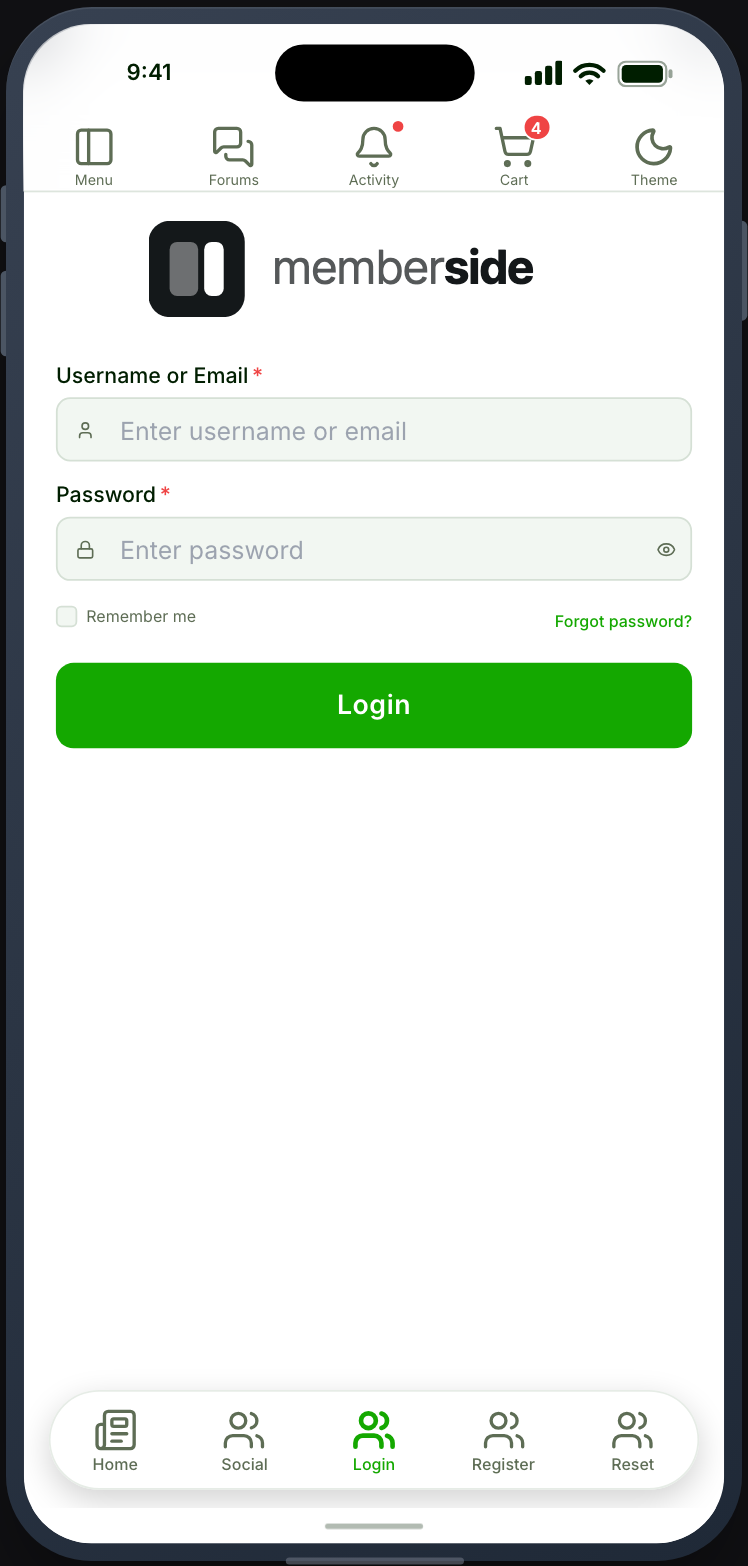
Section titled “What your members see”Your login form’s fields, rendered natively, with your app’s field and button styling from Appearance.
Social provider buttons appear where you have configured them. See Sign-in and registration.
Authentication is not Default Authentication
Section titled “Authentication is not Default Authentication”This feature needs the Authentication endpoint group. The Default Login feature needs Default Authentication. They are separate groups, and enabling the wrong one fails exactly like a wrong password.
When it does not work
Section titled “When it does not work”| Symptom | Cause | Fix |
|---|---|---|
| The screen has no fields | The login form has not opted into the API | Tick the switch on it |
| Correct credentials refused | The Authentication group is off, or you enabled Default Authentication | Enable the right group |
| Signs in, screens still look signed out | The Users group is off | Enable it |
| Signs in and nothing appears to happen | After login is unset | Set it |
| Refused after registering | The account needs approval or email confirmation | Check its status in WordPress |
| The incomplete-profile switch is missing | Ultimate Member - Profile Completeness is not active on the connected site | Activate it |
| Members below the percentage still land on after login | Completion is off for their role, or the Profile Completeness endpoint group is off | Switch it on for the role, and enable the group |