

My Spaces
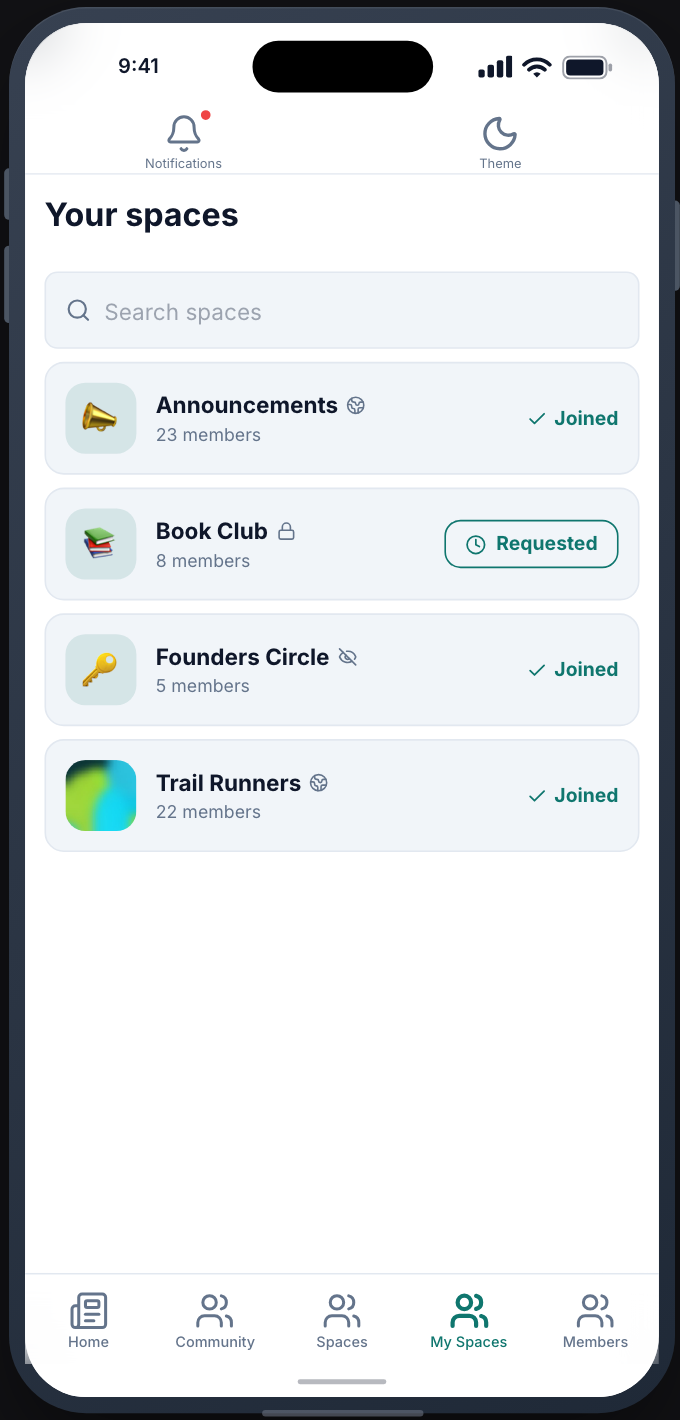
The spaces a member belongs to, and the private ones they are waiting to join, in one list.
Before you start
Section titled “Before you start”| Plugin | FluentCommunity 2.12.0 or newer |
| Endpoint groups | Fluent Community Spaces and Fluent Community Feed |
| Plan | Every plan |
Add it to your app
Section titled “Add it to your app”Drag My Spaces onto a navigation bar or into the side drawer. A space opens the same Space screen as Spaces, with the same settings.
Settings
Section titled “Settings”| Setting | What it does | Default |
|---|---|---|
| Title, Description | Shown at the top | Empty |
| Group by space group | Sections for your space groups | Off |
| Restrictions | Who can open the screen | Everyone |
What your members see
Section titled “What your members see”Each space they belong to, marked Joined, and each private space they asked to join, marked Requested. Opening a space shows its feed, members and description, with Leave space.
Sign-in is required
Section titled “Sign-in is required”A signed-out visitor sees a prompt to sign in.
When it does not work
Section titled “When it does not work”| Symptom | Cause | Fix |
|---|---|---|
| You have not joined a space yet | The member belongs to no space | Expected |
| This site is not offering its community to the app yet | The Fluent Community Spaces group is off | Enable it |